Shared shopping list and trip settlements – meet the Balanso app!
Shared shopping list and trip settlements – meet the Balanso app!
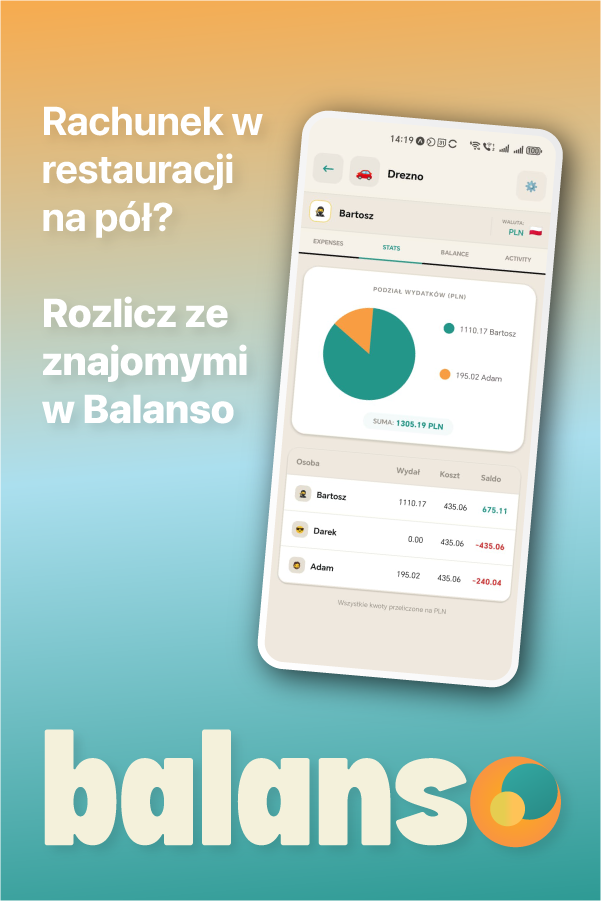
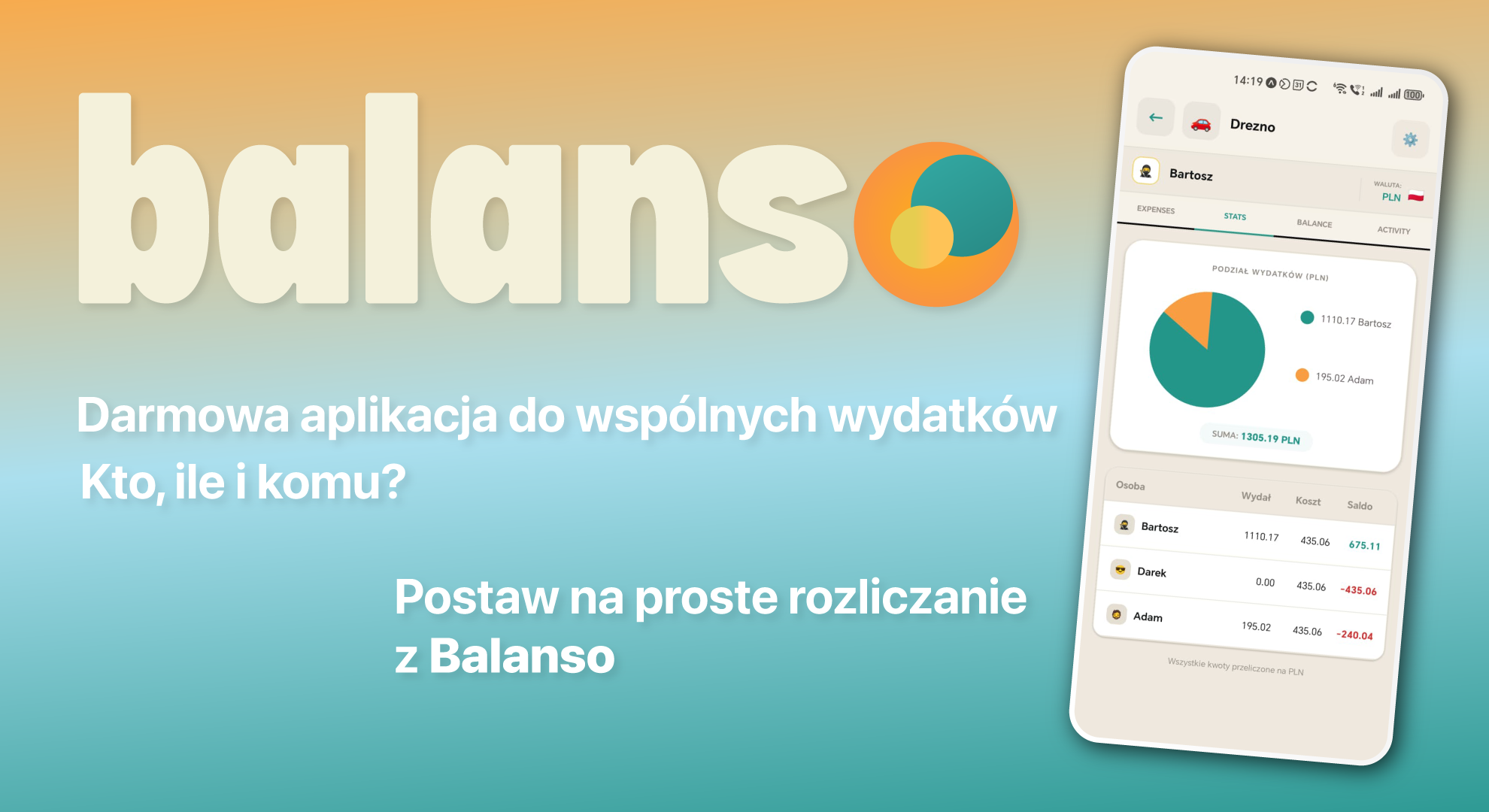
Dear ones, today will be a bit “out of the box”, because there won’t be a recipe, but we’ll still be circling around the kitchen, food products, and shopping related to them. I invite you to discover the Balanso app for simple planning and carrying out shopping, and more.
A convenient and reliable shared shopping list on your phone is something that has completely changed the organization in our home kitchen.
How many times have you found yourself standing in a store wondering: “Is there still flour at home? How many grams of mascarpone did I need for this cream? What kind of cream was it supposed to be – 30% or 36%?”.
Maybe you know this classic scenario: you’re baking a cake, making a dessert, or preparing dinner, when suddenly you realize you’ve run out of butter, onions, spices, or something else you need. You quickly call your husband, who happens to be on his way home from work, dictate the shopping list over the phone, and yet he still comes back with plant-based butter instead of the 82% butter you asked for—and somehow manages to forget the one thing you needed most! 😂
Baking, cooking, and testing new recipes are my huge passion, but shopping logistics used to be a challenge in our home. Traditional paper notes were constantly getting lost, or the scribbles couldn’t be read correctly, and messages on communicators got mixed up with daily conversations. That’s when my husband Bartosz decided to create an app that would once and for all make our daily shopping and joint trips easier.
That’s how Balanso was created – a simple, completely free, and brilliant app for shared shopping lists and joint settlements. Today I want to tell you why it has become my number one in kitchen logistics (and I’ll add, not just that! I even started making packing lists in it, where I write down what I need to pack for the whole family and check off what I’ve already packed)!
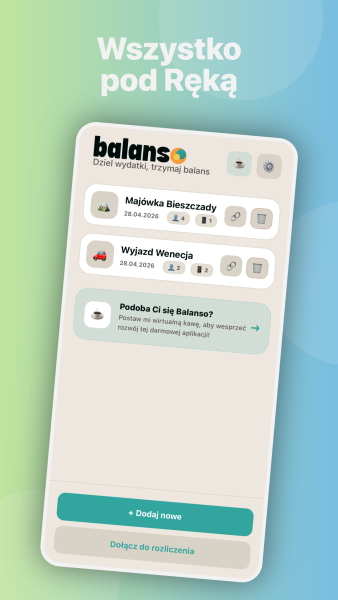
Why is a shared shopping list in Balanso the ideal solution?
I’ve tested countless shopping list apps in my life (e.g., Listonic), but in Balanso, I found exactly what I was missing the most:
1. 🛒Smart Ingredient Input
When I’m planning a recipe, I don’t have time to click ten windows. In Balanso, I simply type into one text field: wheat flour 1 kg, eggs 10 pcs, or strawberries 500 g. The app automatically recognizes the product, quantity, and unit, and additionally suggests popular ingredients from its dictionary!
2. 🏷️ Automatic Category Sorting
Products are automatically organized by supermarket sections: Dairy, Fruits & Vegetables, Bakery, Dry Goods/Flour. This means you don’t have to run back and forth across the entire store for every item. You can also create your own personalized categories with cute emoji icons (for example, 🧁 Baking Decorations).
3. 📲 Live Sync – I’m in the Kitchen, My Husband Is at the Store
This is an absolute game-changer! We create a shared shopping list, and we both have access to it on our phones:
- My husband is at the supermarket, checking off items as he puts them into his cart.
- Meanwhile, I’m at home and suddenly remember the baking powder — I add it to the list, and it appears on his screen within a split second!
- Purchased ingredients are moved to the bottom of the list with a single tap and marked as completed.
4. 🔄 List Cloning (Templates for Holidays and Cakes)
Do you have a go-to list of ingredients you regularly buy for weekend bread baking, the holidays, or a birthday cake? With Balanso, you can copy your entire shopping list as a template with just one click and use it again next time — no need to type everything from scratch.
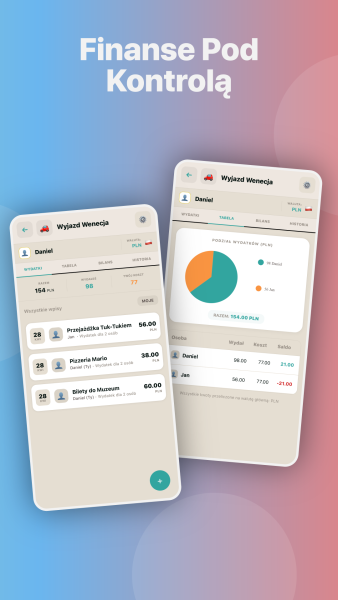
Vacation, a weekend with friends, or a group barbecue? Balanso has you covered — it can split all the expenses!
Balanso isn’t just about grocery shopping — it’s also a brilliant tool for splitting shared expenses. Planning a vacation, a long weekend, a ski trip, or a barbecue with a larger group? You’re going to love this feature:
- No logins or passwords: Your friends don’t need to create an account or remember another password. They simply scan a QR code from your phone or enter a short 6-character PIN, and the whole group is connected!
- Works offline: Staying in a cabin by the lake or up in the mountains with little or no signal? No problem! The app keeps everything saved on your phone and syncs automatically once you’re back online.
- “Add as an Expense” feature: Did you buy groceries for a group barbecue from your shopping list? With one tap, you can transfer the total receipt amount directly to the trip expenses!
- Fair splitting for families: If someone comes with their children, you can set their participant “weight” (e.g. 3 people), so food and accommodation costs are divided proportionally and fairly.
- Shared Money Pot: Contributing €20 each to a shared fund for small purchases and ice cream? The virtual Money Pot keeps track of the budget and automatically calculates the unused balance at the end of the trip.
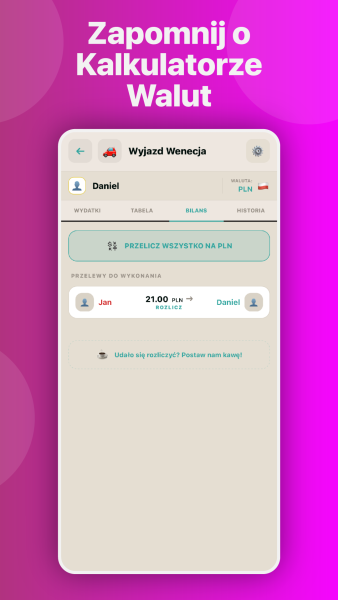
- Fewer BLIK transfers: No more tangled web of payments between friends. Balanso optimizes the balances and gives you a simple summary of who owes whom and how much.
Where Can I Download the App?
The app is 100% free, with no ads and no hidden subscriptions:
- 📱 For Android phones: Download it from Google Play
- 🌐 For iPhones, tablets, and computers: open balanso.pureit.com.pl in your browser (you can also add it to your phone’s home screen and use it as a PWA app).
I highly recommend giving Balanso a try the next time you’re shopping for ingredients for a cake or planning a family trip. I guarantee it will save you a ton of time and help avoid unnecessary confusion at the store! ❤️
Let me know in the comments how you organize your shopping lists and whether the app would make your life easier!